Description
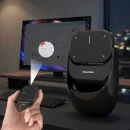
T TAKMLY AI Wireless Mouse — Voice Recording, AI Summarization & USB Rechargeable
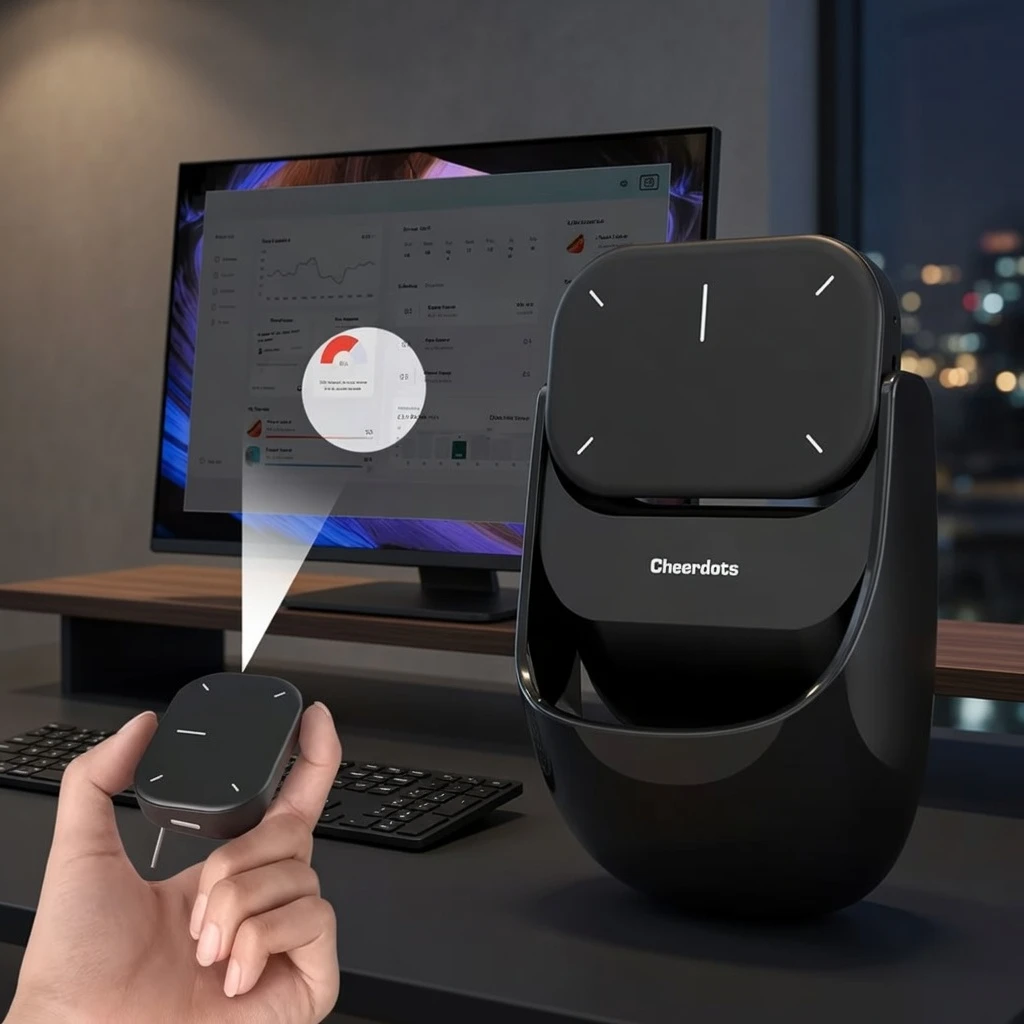
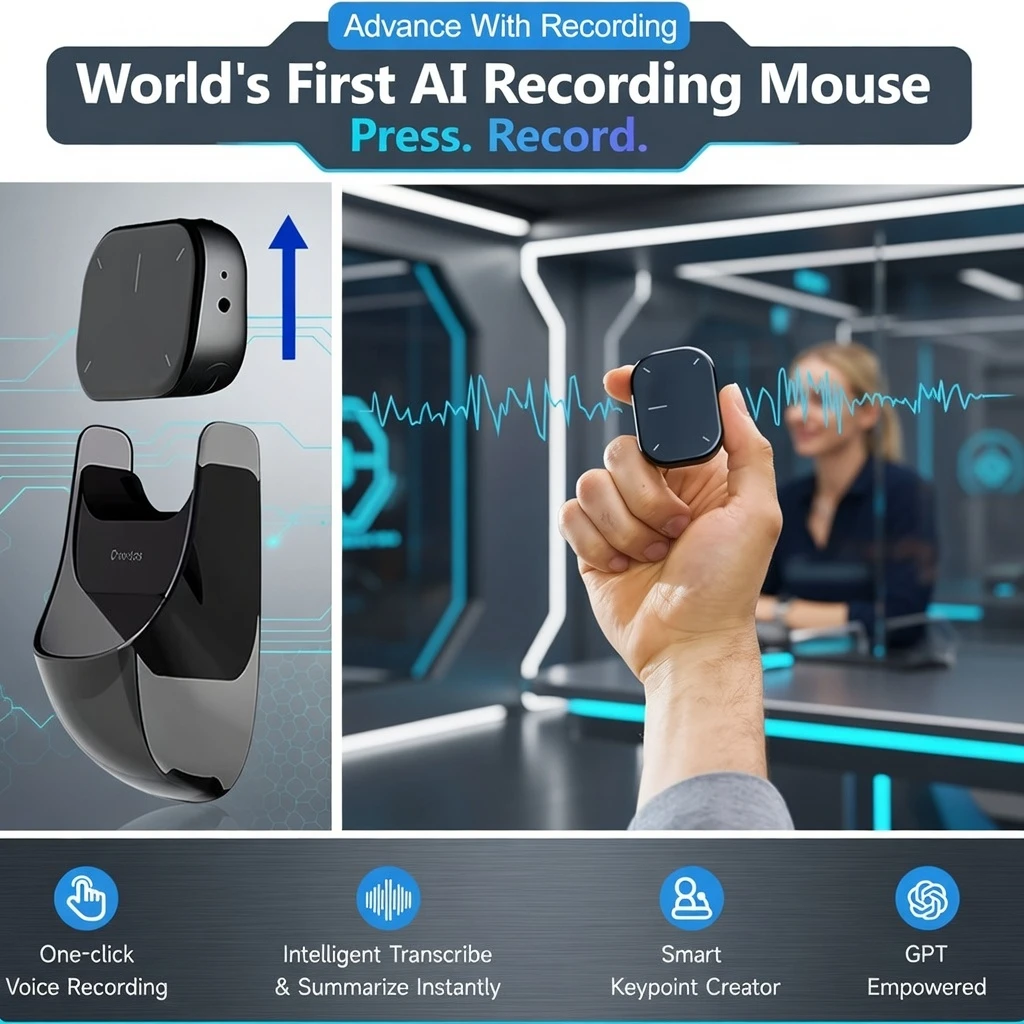
Powered by a rechargeable Lithium 18650 series battery with convenient USB charging (≤36V), this AI wireless mouse BD never runs out mid-meeting. Its standout innovation is the built-in AI voice recording and summarization feature — record your meetings, interviews, or lectures directly through the mouse, and let the AI automatically generate concise summaries. No more manual note-taking during important meetings or client calls.

Product Attributes
| Attribute |
Value |
| Brand: |
T TAKMLY (Cheerdots) |
| Wireless Property: |
Wireless |
| Battery Properties: |
Rechargeable Battery |
| Rechargeable Battery Type: |
Lithium Battery – 18650 Series |
| Power Mode: |
USB Charging |
| Operating Voltage: |
≤36V |
| AI Features: |
Voice Recording & AI Summarization |
| Design Type: |
Ergonomic |
| Touch Gesture Controls: |
Left/Right Click, Vertical Scroll, Desktop Switch, Zoom In/Out, Multitasking, Show Desktop |
| Connectivity: |
Wireless (Multi-device Compatible) |
| Best For: |
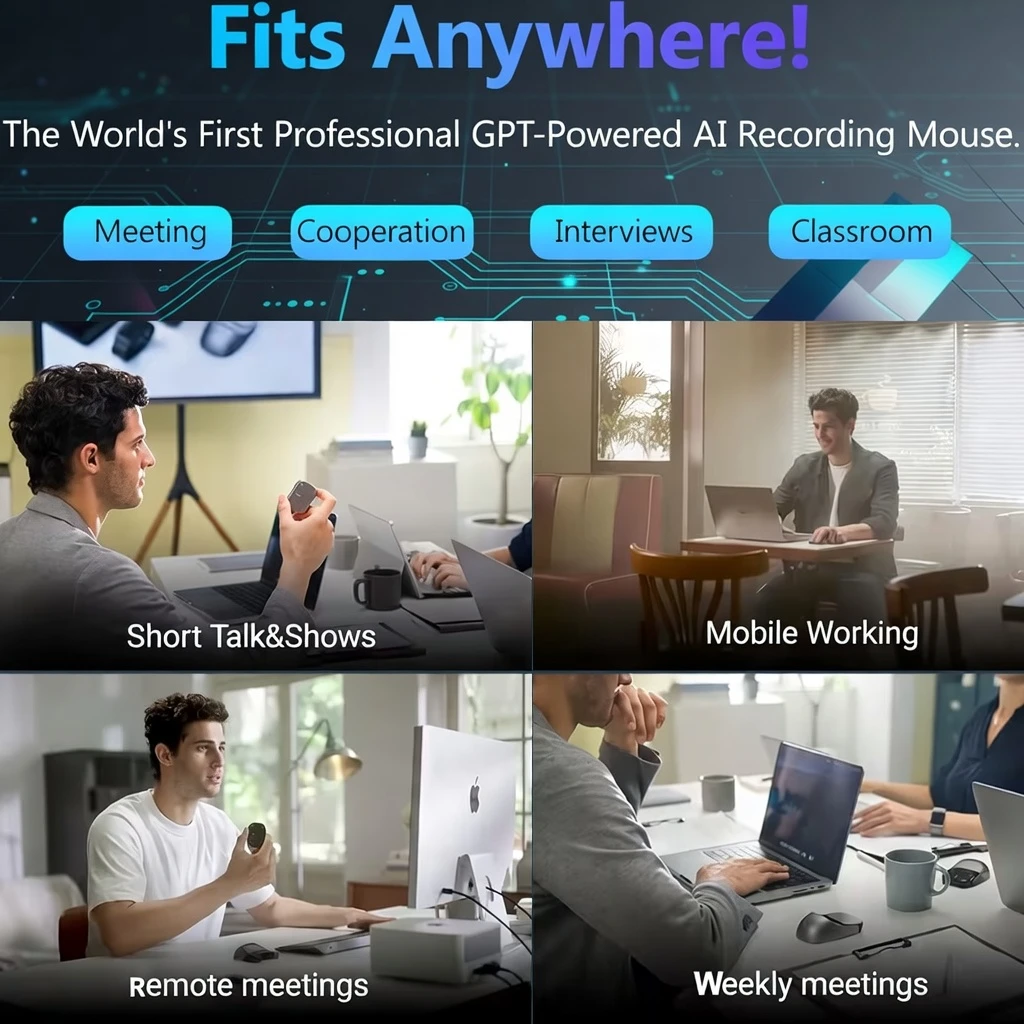
Office, Remote Work, Home Office, Meetings |
| Compatible With: |
Multiple Devices (PC, Laptop, Mac, Tablet) |
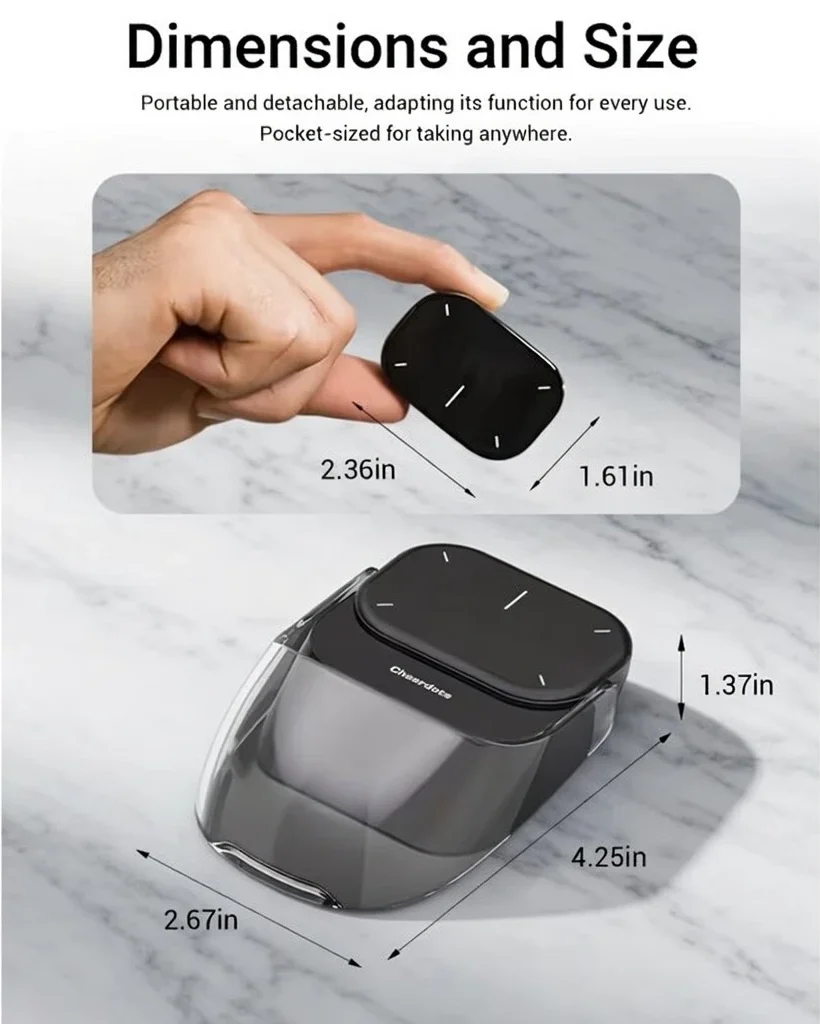
The Cheerdots touch surface delivers an intuitive set of multi-gesture controls: left/right click by pressing either side, scroll pages with a vertical slide, switch desktops with a two-finger horizontal slide, zoom in/out with pinch-to-expand, and access multitasking or show desktop with two-finger vertical swipes. It puts complete computer control at your fingertips — no traditional scroll wheel needed.
Ergonomically designed for extended use, the T TAKMLY AI wireless mouse is the productivity tool for Bangladesh’s growing remote work, freelancing, and home office professional community. One device that records, summarizes, navigates, and keeps you focused — all wirelessly.
How to Use:
Basic Setup & Navigation
- Charge the mouse — Connect the USB charging cable to the mouse and charge the built-in Lithium 18650 battery fully before first use. A charging indicator will confirm charging status.
- Connect wirelessly — Insert the included wireless USB receiver into your PC/laptop USB port, or connect via Bluetooth (refer to manual for pairing). The mouse will connect automatically.
- Left / Right click — Press the left side of the Cheerdots touch surface for left-click. Press the right side for right-click. Just like a traditional mouse.
- Scroll pages — Slide one finger vertically (up or down) on the touch surface to scroll through pages, documents, and websites.
- Switch desktops — Slide two fingers horizontally (left or right) across the surface to switch between open desktops or workspaces.
- Zoom in / out — Use two-finger pinch (inward) to zoom out or two-finger expand (outward) to zoom in — just like a smartphone touchscreen.
- Multitasking & show desktop — Two-finger slide up shows all open apps (multitasking view). Two-finger slide down shows the desktop instantly.
AI Voice Recording Feature
-
- Activate AI recording — Press the dedicated AI/recording button on the mouse (refer to user manual for exact button location) to begin recording your meeting, call, or lecture.
- Stop and summarize — Press the button again to stop recording. The AI will automatically process the recording and generate a text summary — accessible via the companion app or software.
- Review your AI summary — Access the generated meeting notes or summary from the companion app. Save, share, or export the summary as needed for your work records.⚠️ Refer to the included User’s Manual for detailed setup instructions for AI features, companion app installation, and advanced gesture configurations. AI summarization may require companion software or app installation.
FAQ — AI Wireless Mouse BD – Voice Recording & USB Rechargeable
- Q: এই AI মাউসটি কি বাংলাদেশে ব্যবহারের জন্য উপযুক্ত? ভয়েস রেকর্ডিং কি বাংলায় কাজ করবে?
A: হ্যাঁ, ডিভাইসটি বাংলাদেশে সম্পূর্ণ ব্যবহারযোগ্য। তবে AI Voice Summarization ফিচারটি ইংরেজি ভাষায় সবচেয়ে ভালো কাজ করে। বাংলা ভাষার AI সারসংক্ষেপ সংক্রান্ত বিস্তারিত জানতে পণ্যের manual বা সরবরাহকারীর সাথে যোগাযোগ করুন।
- Q: How does the AI voice recording and summarization actually work?
A: The mouse has a built-in microphone that records audio during meetings or calls. Once recording is stopped, the built-in AI processes the audio and generates a condensed text summary of the key points. This is accessed through the companion app or software included with the mouse. Refer to the User’s Manual for detailed setup steps.
- Q: Does this mouse replace a traditional scroll wheel with touch gestures?
A: Yes. The Cheerdots touch surface replaces the traditional scroll wheel with intuitive multi-touch gestures — vertical slide for scrolling, horizontal two-finger slide for desktop switching, pinch/expand for zoom, and more. It works similarly to a MacBook trackpad but in a compact wireless mouse form.
- Q: How long does the battery last on a full charge?
A: The 18650 series Lithium battery is a high-capacity rechargeable cell. Exact battery life varies by usage intensity (AI recording vs standard mouse use). Refer to the product manual for specific hours. USB charging makes recharging convenient anywhere — office, home, or travel.
- Q: Is this compatible with Mac and Windows? What about Android tablets?
A: The mouse is designed for compatibility with multiple devices including Windows PC, Mac, and laptop systems. Android tablet compatibility depends on the wireless connection method used. Refer to the product manual for the complete compatibility list and connection options.
- Q: Is this good for online meetings on Zoom, Google Meet, or Microsoft Teams?
A: Yes — this is precisely what it’s designed for. The AI voice recording feature is ideal for recording Zoom, Google Meet, and Teams meetings. The wireless mouse gestures help you navigate seamlessly during presentations. It’s the perfect all-in-one tool for Bangladesh’s growing remote work and online meeting culture.
- Q: Is delivery available across all of Bangladesh?
A: Yes! We deliver to all 64 districts including Dhaka, Chittagong, Sylhet, Rajshahi, Khulna, Barishal, Rangpur, and Mymensingh. Standard delivery takes 2–5 business days from order confirmation.